Haiper

Quick definition

What is haiper app and how does it work?

What is haiper app? Haiper is an AI video creation tool designed to turn written ideas and visual references into short animated video concepts. It helps people explore motion, mood, and visual direction without starting from a traditional timeline.

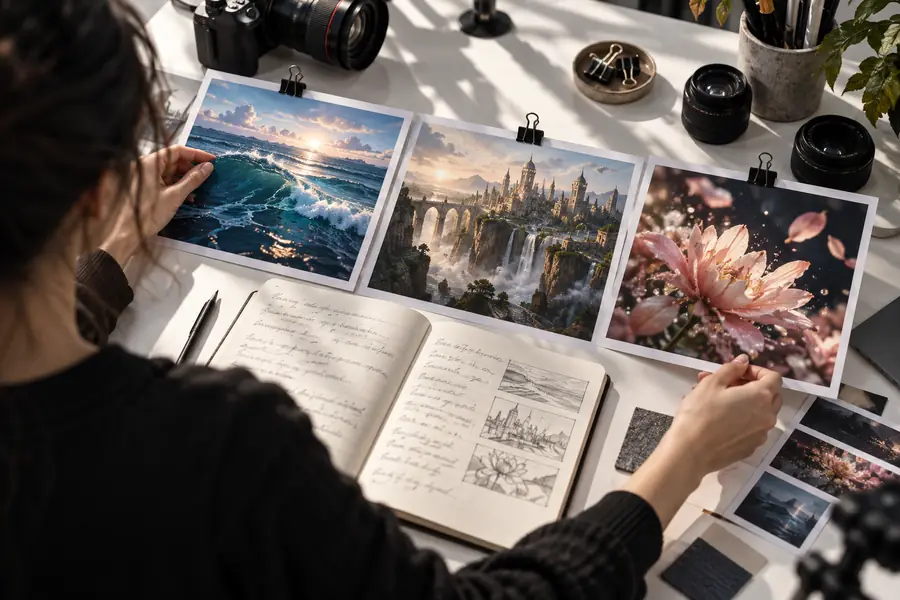
Abstract AI-generated video scene created with Haiper

How it works

Haiper reduces the distance between an idea and a moving visual. The process is best understood as guided experimentation rather than a complete production pipeline.

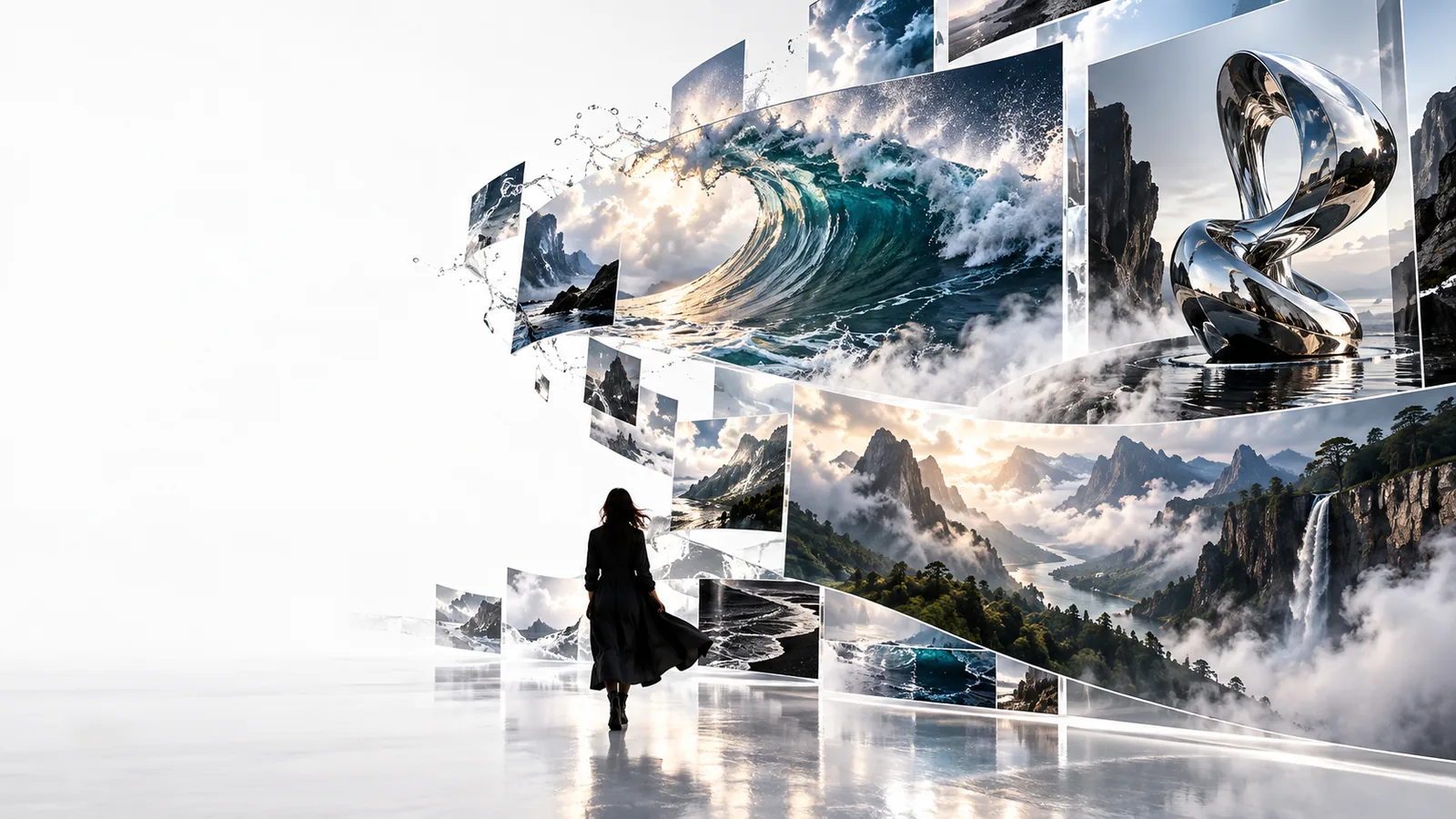
Surreal generated landscape illustrating a video concept Input

01

Start with a visual idea

A Haiper project begins with a description of the scene, action, atmosphere, or camera feeling you want to explore. Clear subjects and motion cues give the model a stronger creative direction.

  • Describe the subject and setting
  • Add movement, mood, or camera language
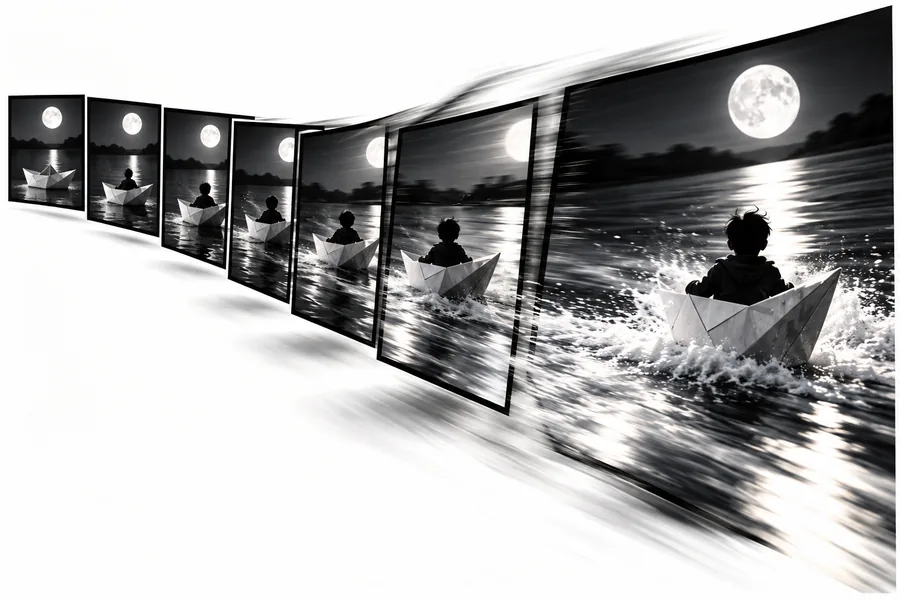
Stylized generated scene showing motion and atmosphere Output

02

Review a moving concept

Haiper interprets the direction and returns a short visual result that can help you judge composition, pacing, and overall feel. The first result is a draft for evaluation, not a guarantee of a finished scene.

  • Assess the visual direction
  • Refine the idea when the result misses the brief

The workflow in three steps

The Haiper process is simple enough for first-time users while leaving room for repeated creative iteration.

Describe the scene

Write the central subject, setting, action, and mood in plain language. Focus on what should move and what should remain visually important.

Guide the result

Use a reference image or refine the wording when you need a different composition, atmosphere, or sense of motion.

Evaluate the concept

Watch the generated result as a draft, then decide whether it is ready for your project or needs another creative pass.

What Haiper app can and cannot do

Understanding the boundary between generation and production makes Haiper easier to use well.

Create visual motion

Haiper can turn a static idea into a moving visual concept, helping you test atmosphere, action, and scene direction.

Work from visual references

An image can provide composition, subject, or style cues when words alone do not communicate the intended look.

Support iteration

Haiper is useful for exploring alternatives and comparing creative directions before committing to a larger production.

Not a full editor

Haiper does not remove the need for editing, sound design, continuity checks, rights review, or human approval of the final result.

Choosing the right use

The best reason to use Haiper depends on whether you need exploration or a controlled production workflow.

1

You need a fast visual starting point

Choose Haiper to turn a rough concept, prompt, or reference image into a moving direction.

It helps communicate an idea before a full shoot, edit, or animation process begins.

2

You need exact continuity and precise control

Use Haiper as an ideation aid, then move the approved direction into a dedicated production and editing workflow.

Generated motion can vary, so detailed brand, character, timing, and sequence requirements still need review.

Who uses it

Starting idea

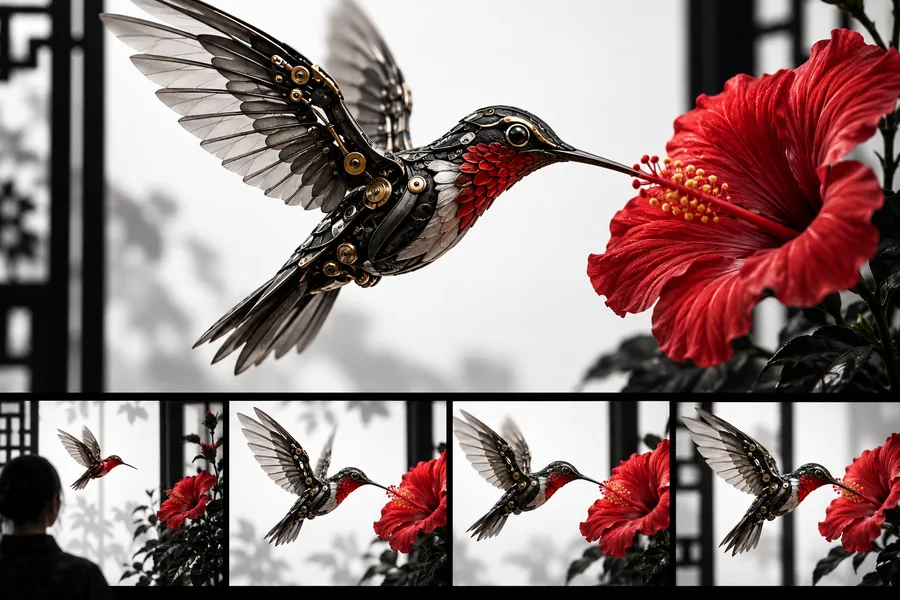
Written concept and visual reference prepared for Haiper
Generated moving scene representing a refined Haiper concept
Video concept

Haiper bridges the gap between a written idea and a moving visual draft.

Who uses Haiper app

Haiper can be useful to creators testing a mood, marketers developing a campaign direction, educators illustrating an idea, and curious beginners exploring generative video. Treat each result as a creative draft: review it for relevance, consistency, and suitability before using it in a finished project.

  • Explore a visual idea quickly
  • Use prompts or references as creative direction
  • Review every result before publishing

Haiper app FAQ

Haiper is an AI video creation application for exploring short moving visuals from written ideas and visual references. It is designed to help users develop concepts, moods, and motion rather than replace every part of a professional video workflow.

The Haiper app can help with visual brainstorming, concept development, mood exploration, and early campaign or storyboarding work. It is especially useful when you want to see how an idea might look in motion before investing in a larger production.

Haiper can be approachable for beginners because the core workflow starts with an idea expressed in ordinary language. New users should still expect to review results and refine their direction when the generated scene does not match the intended subject or motion.

No. Haiper can provide a generated video concept, but editing, sound, continuity, rights review, brand checks, and final delivery remain separate responsibilities. It works best as part of a broader creative workflow.

Start creating
Start creating